
One small PostHog updates just removed a bunch of friction from my workflow: SQL variables are now actually manageable at scale.
You can refer to PostHog’s official changelog for the precise release details behind the update discussed below.
Quick summary
PostHog now provides a dedicated SQL variables management view that shows each variable and the saved insights that use it. This helps analysts and data teams check dependencies before renaming, replacing, or deleting a variable. It reduces maintenance risk, but teams still need to verify affected insights before making changes.
SQL variables: a real place to manage them
I use SQL variables whenever I want the same SQL insight to stay stable while the inputs change (event names, lists of values, etc.). The part that always slowed me down was maintenance: once you have a handful of variables, you inevitably forget which saved insights depend on which variable.
Now there’s a dedicated area to view and manage SQL variables. For another way to keep event-based analysis manageable, see how to combine events in PostHog Trends. It also shows where each variable is used inside saved insights. That “where used” visibility is the win: when I’m about to rename, replace, or clean up a variable, I can immediately see what I’ll break before I break it.
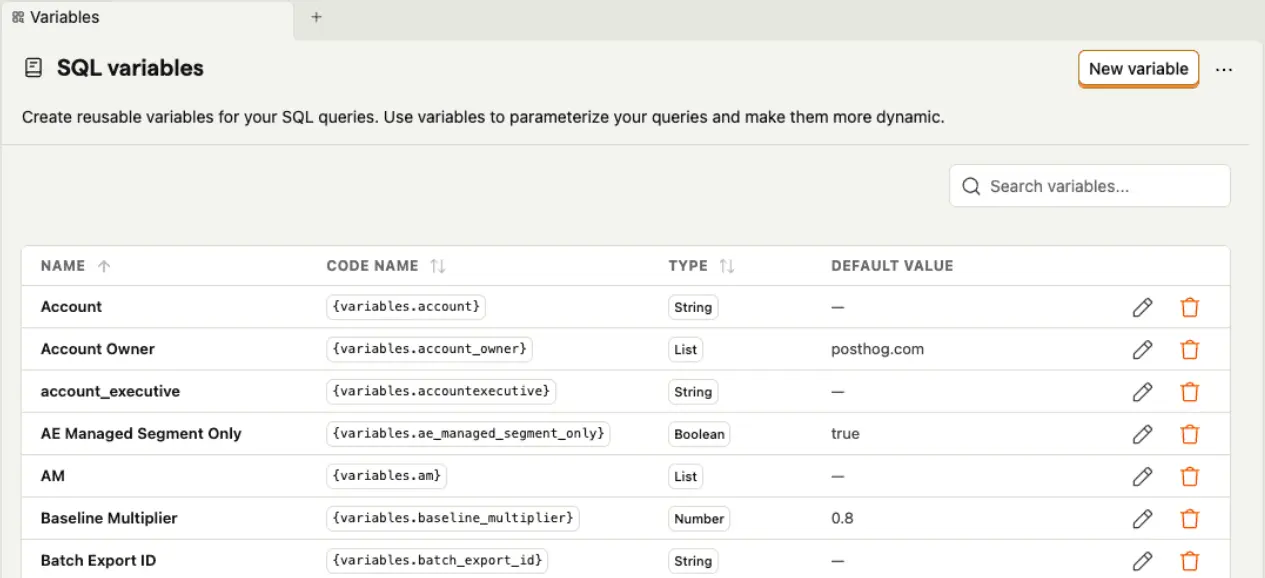
In practice, my flow looks like this:
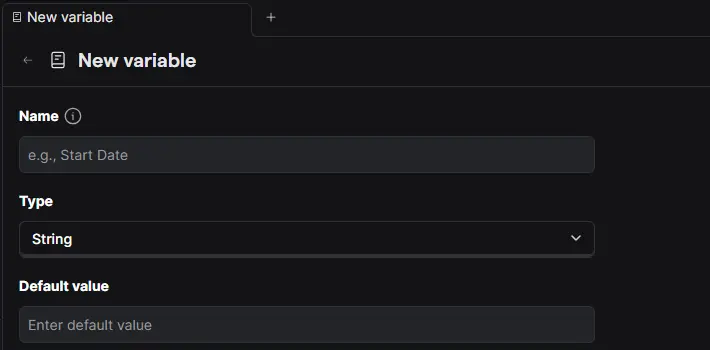
I create a variable from the SQL editor via the Variables control. Then, in the management view, I check the usage list to confirm which saved insights reference it, and only then do I change it. It turns SQL variables from “powerful but risky” into “powerful and controlled.”
If you haven’t used them yet, variables are referenced in queries using the {variables.<variable-name>} syntax, and the value can be set from the Variables dropdown.